Outcome Measurement
Part of Content and newsletter sponsorship
Measuring newsletter sponsorship beyond total subscribers
Measure newsletter sponsorship using delivery, defined clicks, site visits and useful responses while accounting for open and bot limits.
Measure a newsletter sponsorship in three layers: whether the agreed placement ran, whether recipients took an observable action, and whether that action suited the sponsor’s aim.
Total subscribers describes a list at a point in time. It does not show how many messages were delivered, who noticed the sponsor or what happened next.
Define the counts before the send
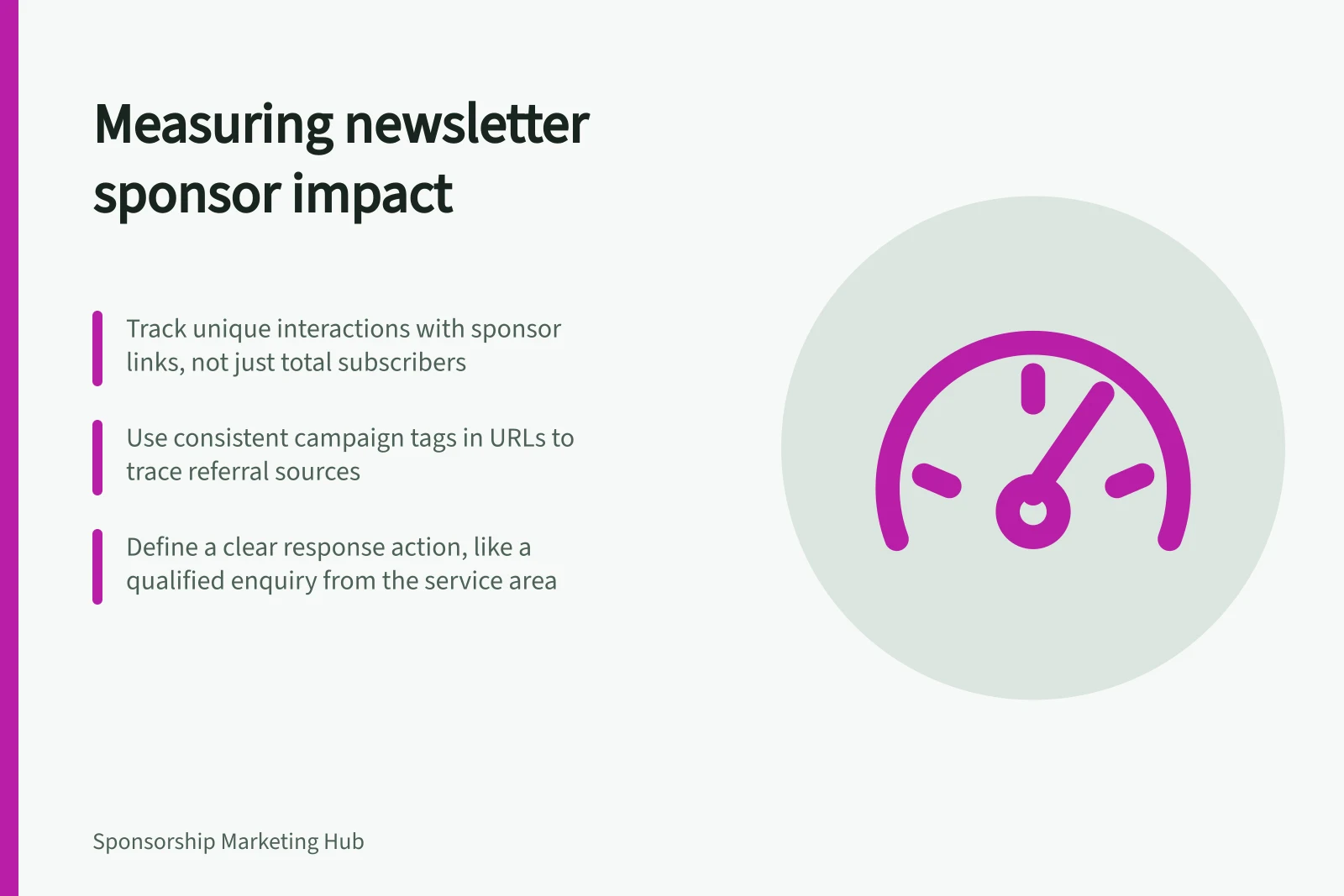
Ask which figures the publisher can provide for the sponsored issue: subscribers, messages sent, messages reported as delivered, unique interactions with the sponsor’s link and any position-specific reporting. Record the issue date, reporting window and definition beside each figure.
A count for the entire newsletter is not a count of people who saw a particular placement.
Agree on how automated interactions are handled. Apple’s Mail Privacy Protection can fetch email content without a person opening the message. Security services and link previews can also create recorded opens or clicks.
Open rate is therefore context, not a count of readers who saw the sponsor. Clicks are closer to an action, but their definition and filtering still matter.
| Measure | What it can show | Limit |
|---|---|---|
| Placement delivered | The agreed asset appeared in the specified issue. | It does not show attention. |
| Messages reported as delivered | Receiving mail systems accepted messages under the publisher’s method. | It does not prove inbox placement or reading. |
| Sponsor-link interactions | Recorded activity on the chosen link. | Automated activity and repeat clicks need handling. |
| Sponsor-site visits | Visits attributed to the tagged destination in the sponsor’s analytics. | Tracking may be incomplete; a visit is not a qualified prospect. |
| Requested next steps | Enquiries, forms or other voluntary actions meeting a stated rule. | Other marketing may have influenced them. |
Give each placement a traceable destination
Use a distinct campaign tag or destination for the sponsor’s link in each issue. Google Analytics provides guidance on using custom URLs to collect campaign data; consistent tags can help separate referred traffic when the sponsor’s analytics is set up to collect it.
Agree on consistent names and check the published link. Tags identify a recorded route to the site; they do not prove that the newsletter caused every later action.
If the same link appears in several positions or channels, use separate tracking where possible or report the combined figure. Keep a record of the landing page and offer.
The response path includes the page people reach, so review it when results are weak.
Define a useful response
Choose a primary action that fits the campaign, such as a qualified enquiry, requested demonstration or resource download. Set the qualification rule before results arrive.
For example, a business serving only parts of Australia might count an enquiry as relevant when it comes from its service area and concerns the advertised offer. That is an example rule, not a campaign result.
Keep contact handling separate from measurement. A newsletter click does not itself provide the sponsor with the publisher’s list or establish permission for later marketing.
If a form collects details, explain its purpose and assess the proposed follow-up under applicable Australian privacy and spam requirements.
Report what is known
A useful post-send note states what ran, the reporting window, definitions, observed actions and limits.
Compare with prior issues only when audience, position and measurement method are sufficiently alike. Do not treat an open as a reader, a click as a customer or a later sale as proof of sole sponsorship impact.
The next decision may be to repeat, revise creative or change the audience. State which observations support it and what evidence would change the judgement.