Activation Planning
Part of Sponsorship activation planning
Assigning owners for each sponsored deliverable
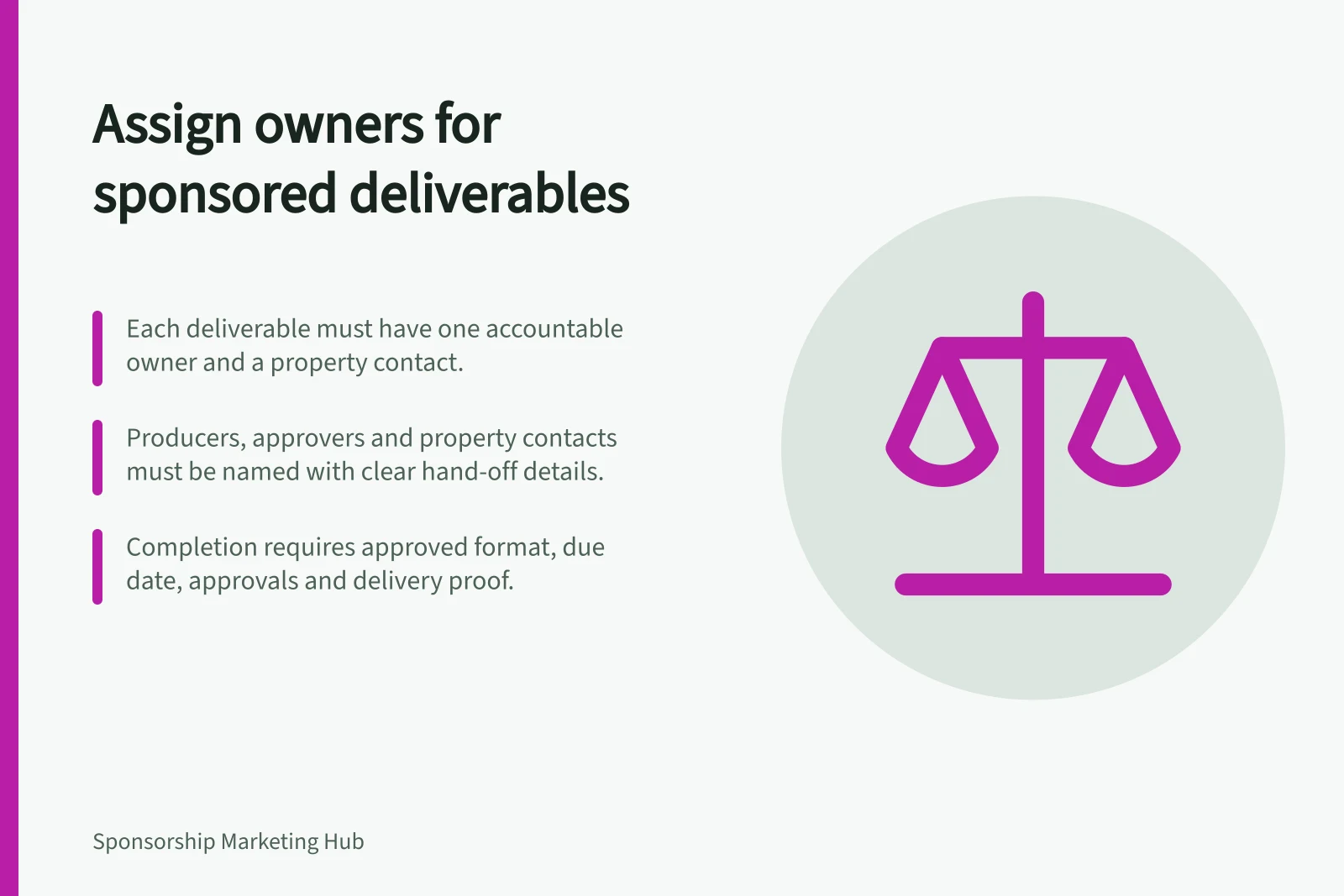
Assign an owner, producer, approver and property contact to each sponsored deliverable, with clear hand-offs and completion evidence.
Give each sponsored deliverable one accountable owner on the sponsor's side and a named property contact. Record who produces it, who approves it and who may agree to a changed item. Those roles show who acts when a benefit waits on another party.
Break the package into workable items
Take the agreed package schedule and split broad labels into items that can be completed separately. “Event promotion” might include an organiser post, a program credit and a sponsor-supplied sign. Each can have a different producer, deadline and approver. Keep the agreed description beside the working task.
If the agreement is unclear about what is owed, resolve that with the parties; a tracker cannot create a missing right.
Choose an owner able to follow the item through to completion and seek decisions when needed. A designer or supplier can perform part of the work, but the owner remains responsible for noticing a missed deadline and reporting the item's status.
Name the roles and hand-offs
Role / Question it answers
- Accountable owner
- Who keeps the item moving and reports its status?
- Producer
- Who creates, installs, publishes or staffs it?
- Approver
- Who can accept the relevant proof, claim, mark or placement?
- Property contact
- Who confirms the property's schedule, space or delivery?
One person may hold several roles. A property might publish an acknowledgement while the sponsor supplies its logo. A sponsor might staff an activity while the property confirms access to a space.
If a venue, publisher or other rights holder controls an asset, record that party's permission as a dependency. Do not assume the property contact can approve it.
For each hand-off, record what the next person needs, when they need it and which version they should use. For example, artwork sent for review should be identifiable as the submitted proof; an earlier draft should not be mistaken for approved material.
Hand-Off Sequence for a Sponsor Sign at a Festival
- Design file created
- By designer (producer)
- Artwork approved
- By property contact (approver)
- Sign installed
- By venue supplier (producer)
- Final confirmation received
- By activation manager (accountable owner)
Define completion for each item
Specify the item, format or location, due date, required approvals and a suitable delivery record. “Logo sent” differs from “logo approved”, and neither confirms that the promised placement appeared.
A sign row might close with an approved file and confirmation that the sign was installed in the agreed place. A photograph can show presence at a point in time, not audience attention.
Use a small status set such as waiting for input, in production, awaiting approval, ready, delivered and at risk. Put the reason and next action beside an at-risk item. NSW Government sports-event guidance recommends allocating responsibilities and timelines for marketing activity; this row-level method does that for sponsor deliverables.
Give the owner a way to resolve problems
Record whom the owner contacts when an approver is unavailable, a file fails a specification or the program changes. Identify who may accept a revised item under the agreement. A production team should not silently replace a material activity with another placement.
In a hypothetical festival sign task, an activation manager could own the row, a designer supply the file, the property approve the artwork and a venue supplier install it. If the venue withdraws the space, the owner marks the row at risk and asks the authorised parties for a decision. Sending the file alone does not complete the task.
After the activation, close each row with what ran, what changed and what remains unresolved. That supports a delivery review without treating the owner list as evidence of audience impact.