Activation Planning
Part of Sponsorship activation planning
Building an activation calendar around the property's schedule
Build an activation calendar from the property's dates, approval windows and production dependencies, and keep it current.
Build the activation calendar from the property's current dates and decision points, then work backwards to production. A sponsor's preferred campaign date cannot settle an unconfirmed programme slot, approval window or site access time.
Collect the dates that control delivery
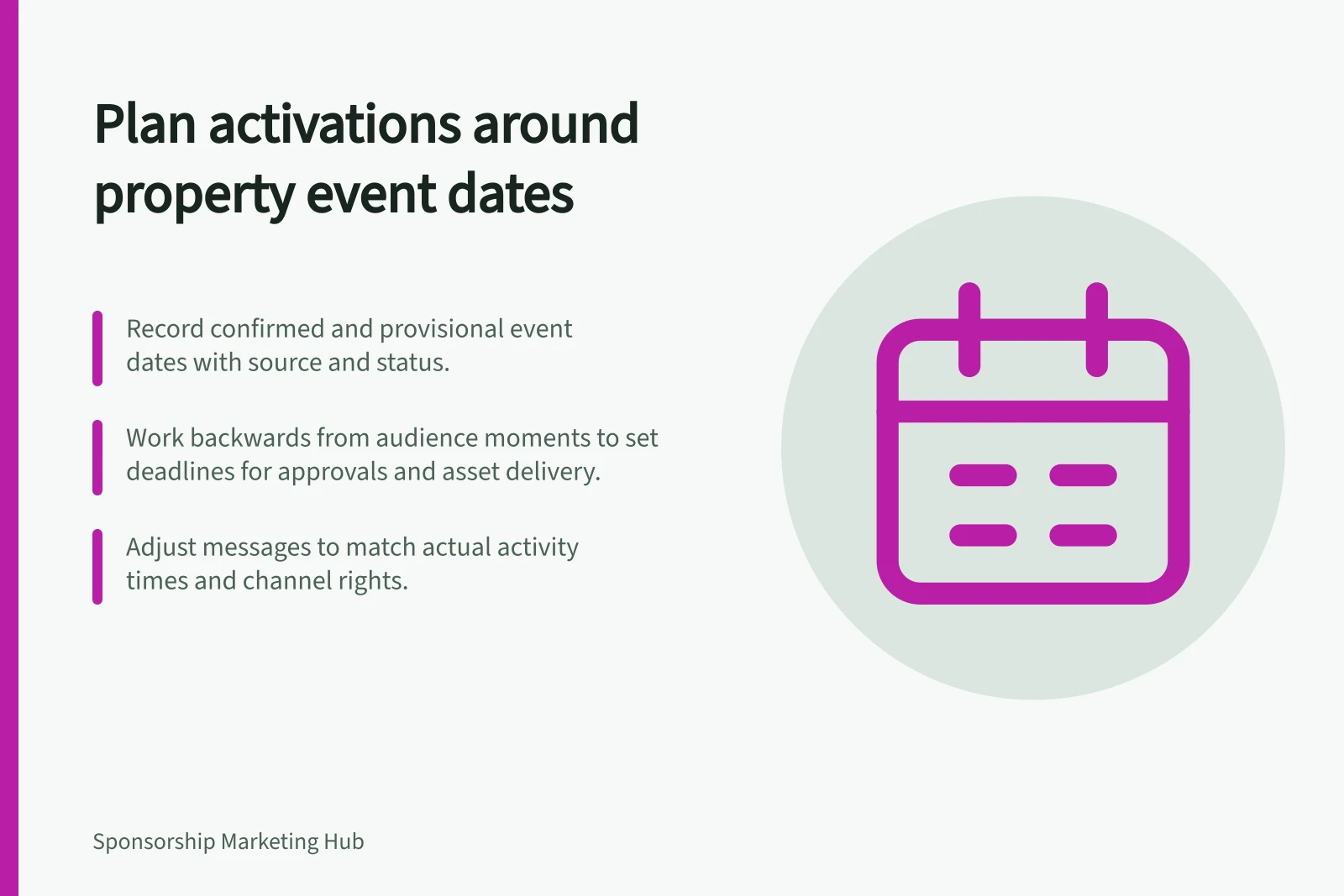
Ask the property for the programme, fixture list, publication schedule or event run sheet relevant to the agreed rights. Record when each version was supplied and whether each entry is confirmed or provisional. An event date may be fixed while a session time, venue area or participant appearance can still move.
For an event, include access, setup, public activity and removal times. NSW Government event guidance describes run sheets, production schedules, key contacts and approvals as parts of an event plan. A season, publication or recurring programme needs its own equivalent schedule.
Building an Activation Calendar: Step-by-Step
- Collect Property ScheduleGather confirmed and provisional dates from the property’s programme, fixture list or run sheet.
- Identify Audience MomentsPinpoint when the audience will engage with the activation (e.g., entry, performance, activity).
- Work BackwardsDetermine required assets, approvals, and production timelines leading up to each audience moment.
- Assign Dependencies & DeadlinesTrack what must be done first, including final artwork, supplier delivery, staff briefing.
- Monitor & UpdateReview calendar before each recurring event; update for changes in schedule, approvals or assets.
Work backwards from each audience moment
Begin with when the audience will see or join the activity. List what must happen first: permission confirmation, property approval, final artwork, supplier production, delivery and staff briefing.
Ask the people doing each task for their actual turnaround and put the last workable decision date in the calendar. A printed sign and an organiser post need different lead times.
A useful row shows the audience moment, required asset, dependency, deadline, date source and status. For example, a draft cannot be due after the approval window that controls its publication. If an approval date is unknown, mark it unresolved instead of presenting the launch date as secure.
| Status | Meaning | Next action |
|---|---|---|
| Confirmed | The relevant parties have agreed the date or window. | Schedule dependent work. |
| Provisional | The programme or access detail may change. | Prepare reversible work and set a confirmation point. |
| Blocked | A permission, asset or decision is unresolved. | Resolve it before committing dependent production. |
| Changed | A previously recorded date or detail moved. | Recheck dependent tasks and public messages. |
These are suggested working labels. Keep one current calendar that both parties can identify.
Key Dates in Activation Calendar Development
- Audience Moment (e.g., event start)
- When the audience experiences the activation
- Final Artwork Approval
- Must be completed before production begins
- Supplier Production & Delivery
- Lead times vary by asset type (e.g., printed signs vs digital posts)
- Staff Briefing
- Completed prior to setup or public activity
- Access, Setup & Removal Times
- Defined for each event or session
Activation Calendar Status Tracking
- ConfirmedThe relevant parties have agreed the date or window. Schedule dependent work.
- ProvisionalThe programme or access detail may change. Prepare reversible work and set a confirmation point.
- BlockedA permission, asset or decision is unresolved. Resolve it before committing dependent production.
- ChangedA previously recorded date or detail moved. Recheck dependent tasks and public messages.
Time messages to the activity
A message before an event may help people plan to attend. A message during the activity can point them to something available now. A later message should follow what an interested person chose to request.
Place each message against the actual audience moment and the channel rights granted. An event's existence does not give the sponsor access to a property post, ticket email or participant account.
Check that sponsor activity fits the programme. If it would interrupt a performance, match or community purpose, seek another window. A time or location change can also affect access information, staffing and equipment.
Handle schedule changes
Set a review point before each recurring event or publication, or another rhythm suited to the property. Check programme changes, pending approvals, affected assets and public information. Identify who circulates the updated calendar and who must act on each change.
In a hypothetical festival, moving a workshop to another area would require the sponsor to recheck space permission, signs, staff directions and queued messages before directing visitors there. A revised date may also make printed information inaccurate.
After the activity, keep the final calendar with the delivery record. That shows whether an item was missed or ran under an agreed revised schedule.